Zoom Meetings
Start a video meeting from your chat
The app requires you to have Zoom account which can be created here.
1. Install the app from Marketplace
Go to the marketplace and click to buy Zoom Meetings app:
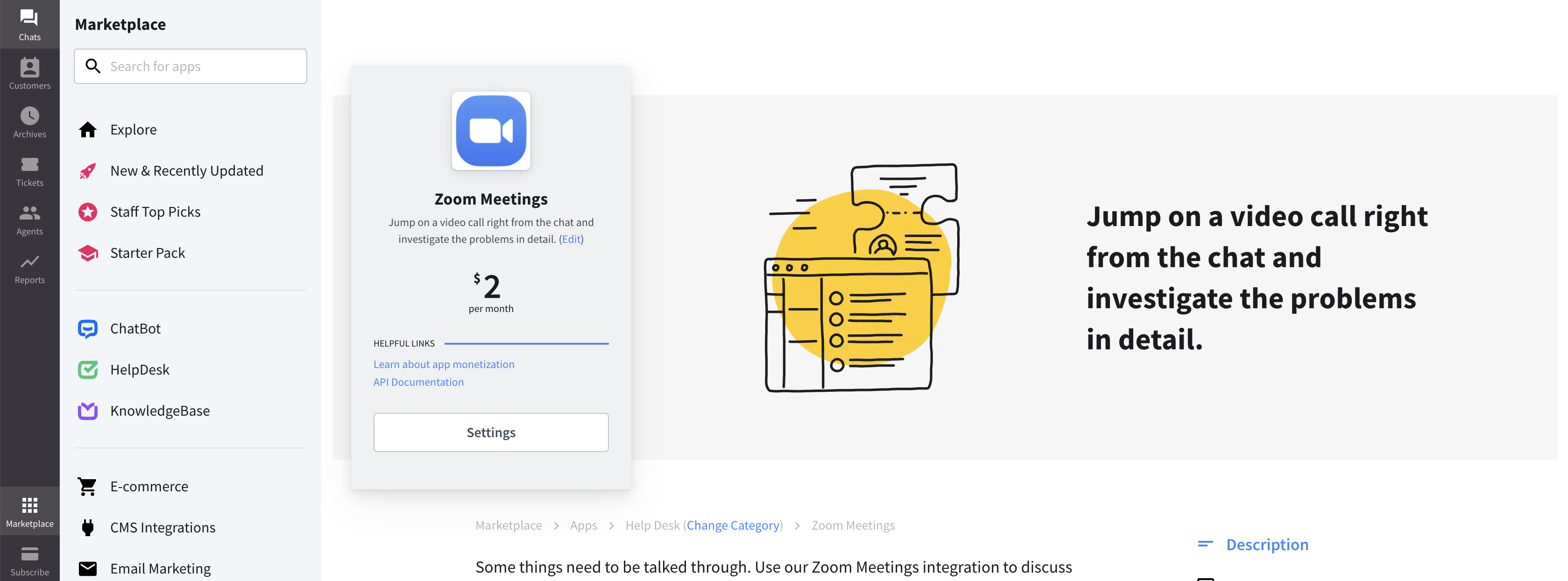
Once installed, you can start inviting your leads to join video meetings with you.
2. Configuration
You can simply invite customers to join a video meeting while you’re chatting to them. Just click the app icon in the Agent App Widget section, choose the Zoom Meetings app and Connect Zoom:
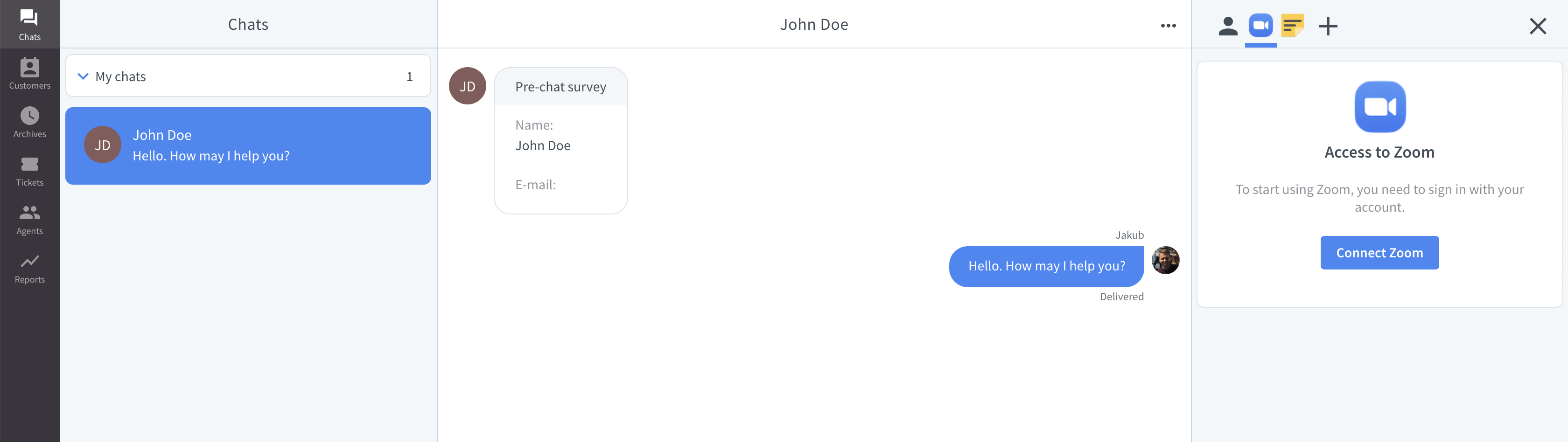
You’ll be asked to connect your Zoom account to LiveChat. Once connected, you can start inviting your customers to join video meetings with you.
3. Starting a meeting
To invite your customer to join a video meeting just click the New meeting button or Use my Personal Meeting:
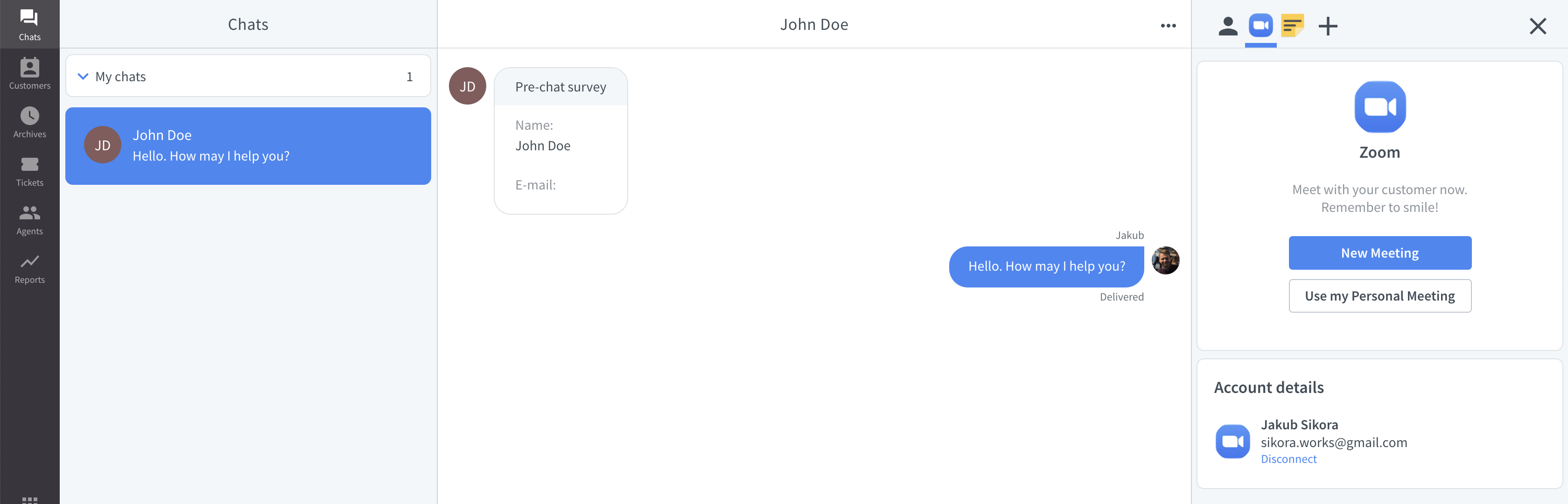
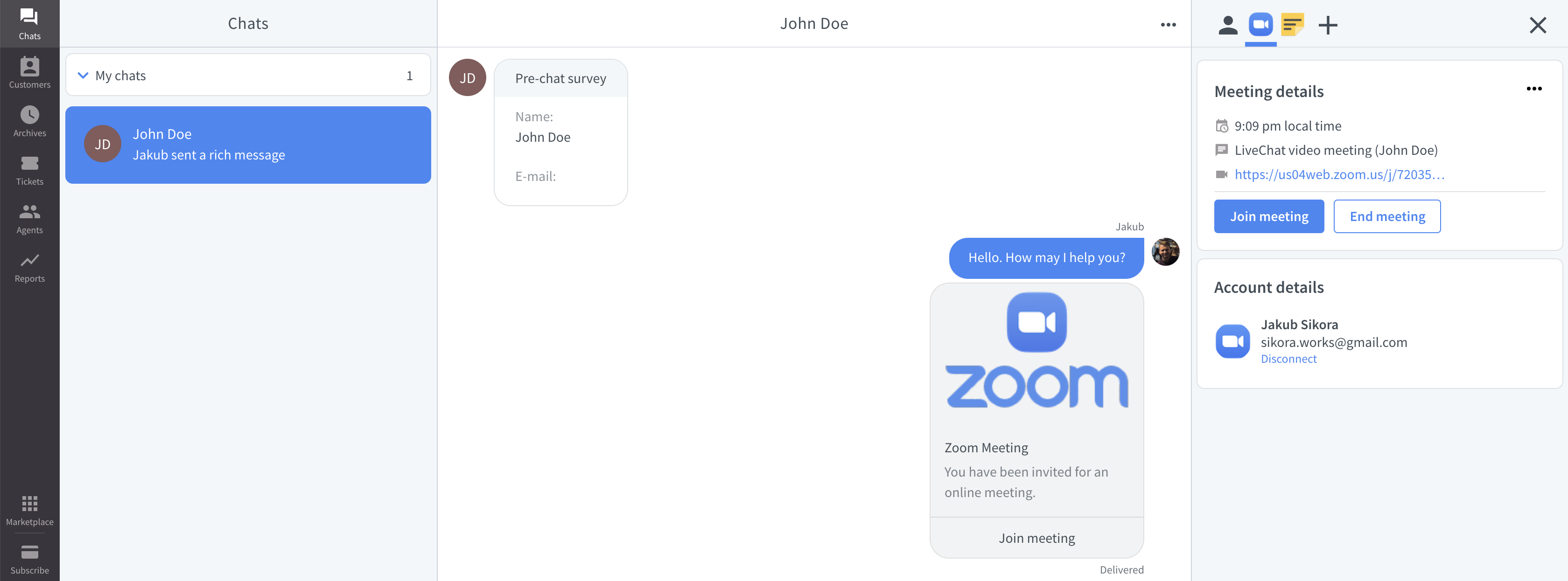
Once clicked, a meeting will be created and the invitation will be send to your customer:
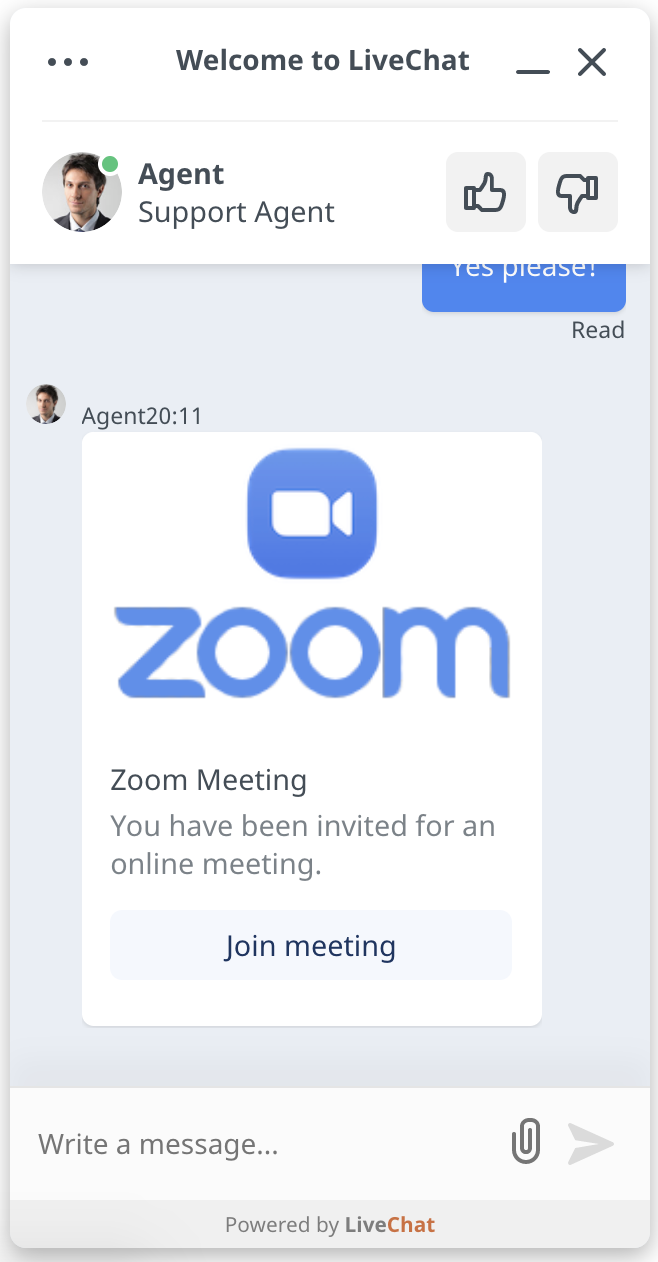
4. Join the meeting
You can now join the meeting by clicking on Join meeting from your app: